Saving and Loading
vortrace provides vortrace.io for saving and loading projection grids
and point clouds. Both NPZ (default) and HDF5 formats are supported.
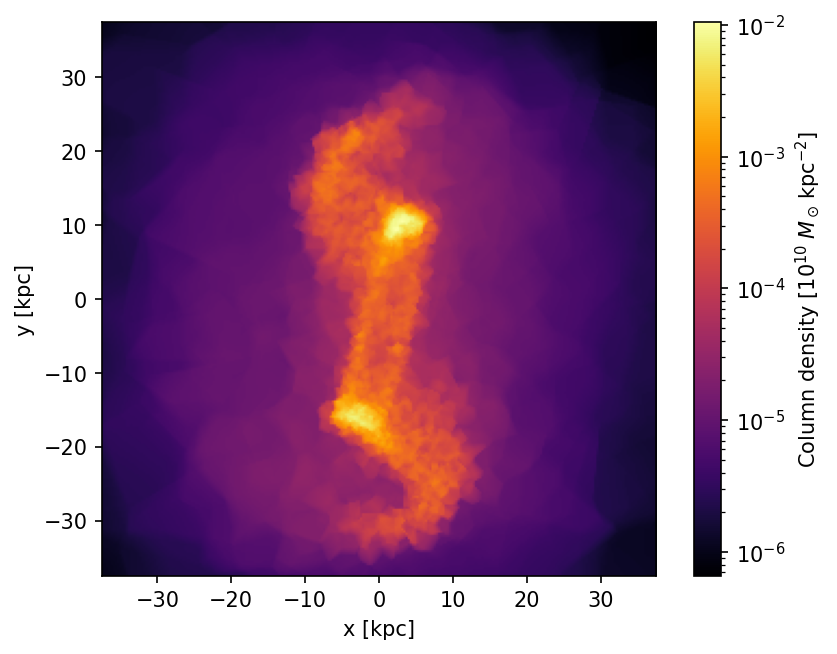
Saving and loading grids
import vortrace as vt

# Save a projection grid
vt.io.save_grid(
    "projection.npz", image,
    extent=[-L / 2, L / 2, -L / 2, L / 2],
    metadata={"projection": "xy", "npix": 256},
)

# Load it back
data, meta = vt.io.load_grid("projection.npz")
print(data.shape)       # (256, 256)
print(meta["extent"])   # [-37.5, 37.5, -37.5, 37.5]
HDF5 format (requires h5py):
vt.io.save_grid("projection.hdf5", image, fmt="hdf5")
data, meta = vt.io.load_grid("projection.hdf5")
The C++ BruteProjection and Slice classes have built-in save
methods that write binary output:
BruteProjection bp(npix, extent);
bp.makeProjection(cloud, ReductionMode::Sum);
bp.saveProjection("projection.dat");

Slice slice(npix_2d, extent_2d, depth);
slice.makeSlice(cloud);
slice.saveSlice("slice.dat");
For Projection results (custom ray grids), access the data via
getProjectionData() and write it using your own I/O routines.
Saving and loading point clouds
You can save and reload an entire ProjectionCloud (including
positions, fields, bounding box, and the kD-tree index). The saved
tree is restored on load, avoiding an expensive rebuild.
# Save (kD-tree is included by default)
pc.save("cloud.npz")

# Load (tree is restored, not rebuilt)
pc_loaded = vt.ProjectionCloud.load("cloud.npz")
To save without the tree (smaller file, tree rebuilt on load):
vt.io.save_cloud("cloud.npz", pc, save_tree=False)
Cloud serialization is not provided by the C++ library. Use your own
I/O format to store positions and fields, then call loadPoints() and
buildTree() as usual.
Supported formats
Format |
Extension |
Notes |
|---|---|---|
NPZ |
|
Default. No extra dependencies. |
HDF5 |
|
Requires |